Top 12 best shortcut keys of windows 10
- Kodi Learn

- Mar 19, 2020
- 1 min read
Do you want to do your work more easier and faster than must follow us. This blog is about some of the best shortcut keys of windows 10 that you do not know but they are very helpful.
Most watch this video:
Watch it in YouTube: https://www.youtube.com/watch?v=0XtnAivPopk&t=66s
All the shortcut keys included in this videos are:
1. To open Action Center

Just press Windows + A to open Action Center.
2. To quickly go to the desktop:

Just press Windows + D to quickly go to the desktop.
3. To minimize all windows:

Just press Windows + M to minimize all windows.
4. To see the peek preview of your desktop:

Just press Windows + , to see the peek preview of your desktop.
5. To open file explorer:
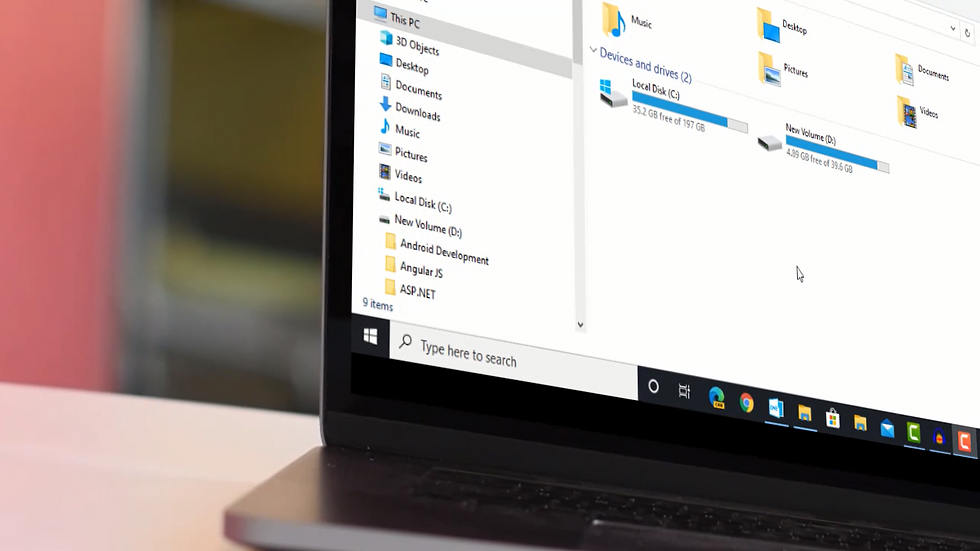
Just press Windows + E to quickly open File explorer in Windows.
6. To open game bar:

Just press Windows + G to quickly open game bar.
7. To open Settings:

Just press Windows + I to quickly open Settings in windows.
8. To lock computer:

Just press Windows + L to quickly lock down your computer.
9. To create new virtual desktop:

Just press Windows + Ctrl + D to quickly open new virtual desktop.
10. To switch between virtual desktops:

Just press Windows + Ctrl + Arrow Keys (Left <-- or Right --> arrow keys).
11. To delete virtual desktop:

Just press Windows + Ctrl + F4 to quickly close your virtual desktop.
12. To open Task View:

Just press Windows + Tab to quickly open Task View.
Hope you learned a lot from this video. If you learn something new than please subscribe our website and go to our channel: https://www.youtube.com/channel/UCeI1RHdaP94S6muprt0cqhA?view_as=subscriber
Please subscribe our channel and press the bell icon.

Comments